ai-automation
OCR vs AI Document Processing for Business Workflows
Published
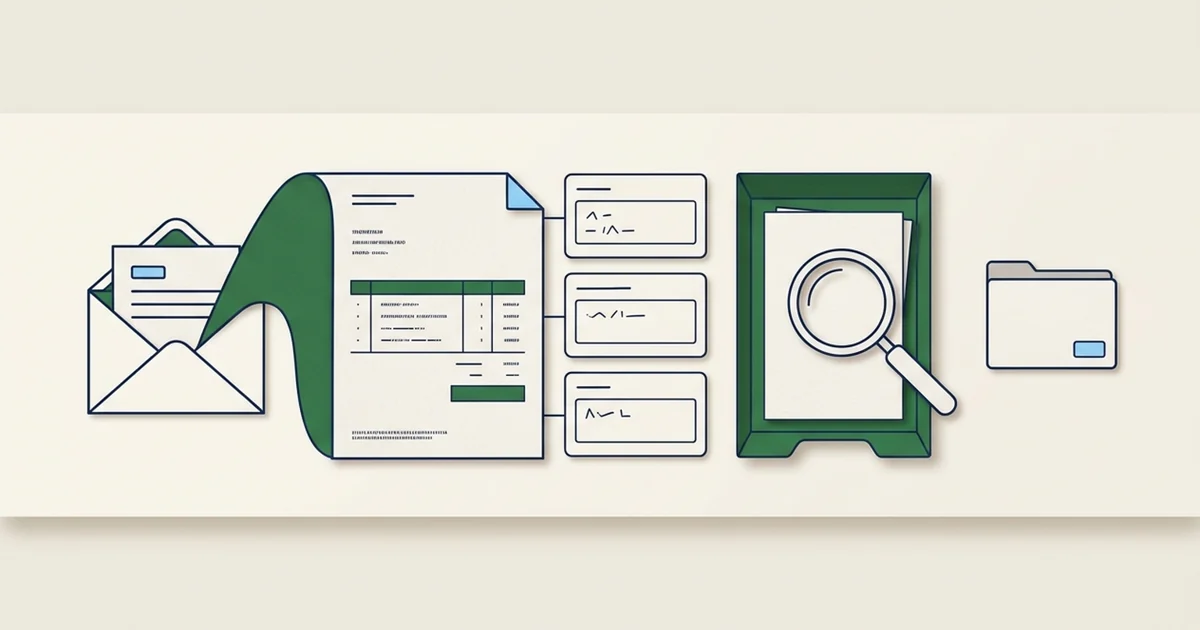
Comparing OCR with AI document processing can sound like a choice between two competing tools. In practice, OCR is often part of the document processing system. Many OCR services use machine learning themselves.
The useful question is where the current workflow needs help. A team may have unreadable scans, correctly recognized text with no field structure, or accurate fields that still fail purchase order checks. Each problem calls for different work.
Start by separating recognition, extraction, and business validation. That makes product comparisons more concrete and prevents paying for a new model when the missing piece is an ordinary rule or a better input file.
Recognition finds the text
OCR turns a scanned page or image into recognized characters, words, and sometimes layout information. It can help make a file searchable or give another component text to process. It does not, by itself, establish which printed number should become the amount due.
A PDF may already contain a usable text layer. If the task only needs that text, direct extraction may be enough. Check the result because a PDF can contain images, incomplete text, or an older OCR layer with errors.
Amazon Textract's documentation distinguishes text detection from form and table analysis and specialized invoice processing. A service can therefore offer several stages in one product. Calling one option OCR and another AI does not tell you which capabilities are being compared.
Extraction gives text a job
Field extraction proposes values in a defined structure. On an invoice, it might associate one number with the invoice total and another with the purchase order reference. It may use labels, page layout, a document-specific model, or a language model.
That extra interpretation can help when suppliers use different layouts. It still needs evidence. A model might select the subtotal instead of the balance due, merge two line items, or supply a plausible value that the document never states. Require missing fields to remain empty and send ambiguity to review.
The same document passes through different jobs
- Recognize
Read Harbor Supplies, INV-1042, $1,260, and PO-318.
- Extract
Assign those values to supplier, invoice, total, and PO fields.
- Validate
Check the vendor, order, duplicates, and required receiving evidence.
- Review
Resolve exceptions before a confirmed system update.
In this synthetic example, recognition reads Harbor Supplies, INV-1042, $1,260, and PO-318. Extraction assigns the values to the appropriate fields. Business validation then checks the supplier and purchase order records. Staff resolve missing receiving evidence before approving a record. Reading the text correctly does not complete those later jobs.
Business rules use evidence beyond the page
A document processor cannot prove that goods arrived simply by reading an invoice. It needs the receiving record required by the business. It cannot approve a new supplier account just because the document contains a company name.
Use ordinary code or existing system rules to recalculate totals, validate dates, require fields, and compare records. Define tolerances with the people responsible for the process. Keep ambiguous matches visible instead of silently choosing the nearest supplier name.
| Capability | Typical result | Useful when | Limit to test |
|---|---|---|---|
| Direct text extraction | Existing text from a digital file | The text layer is usable | Missing or incorrect text layers |
| OCR recognition | Recognized words and layout | Inputs are scans or images | Faint text, small characters, handwriting |
| Field extraction | Named fields and repeated rows | Staff otherwise interpret varied layouts | Wrong field meaning, omitted rows, unsupported values |
| Business validation | Checks against rules and records | Extracted data will support an operational decision | Missing records and ambiguous matches |
| Reviewed integration | Approved values in a destination system | Staff need a usable saved record | Failed writes, retries, and duplicate creation |
Our invoice processing article applies these layers to accounts payable. The freight reconciliation guide shows why extracted charges also need shipment and rate evidence.
Choose the smallest path that meets the job
For searchable archives, text recognition and indexing may meet the need. A fixed internal form might work with an existing form parser and a few checks. Varied invoices may justify a specialized extraction service. A language model can be worth testing when the task requires interpretation that simpler methods do not handle well.
Compare these options on the same files and required output. Include the system you already use. Its document import or invoice capture feature may handle the core task without another integration.
Measure the work people still do after each option runs. A service that produces more fields can leave more review if those fields are unreliable or hard to trace. Include failed files, review effort, service charges, and the cost of maintaining the connection in the comparison.
Check the selected operation's boundaries
Format support, language support, handwriting, page limits, and synchronous processing limits can differ within the same product. Verify the exact operation and configuration you will use.
Textract's set quotas list JPEG, PNG, PDF, and TIFF, with no password-protected PDFs. They specify different language coverage for different APIs and limit handwritten recognition to English. Do not transfer a text-detection capability claim to invoice extraction without checking its limits.
Test quality within those boundaries too. AWS's best practices discuss image quality and difficulties with some table layouts. A supported format is an intake condition, not an accuracy guarantee. Keep the original and request a better copy when staff cannot reliably read the supplied file either.
Make the comparison reproducible
Keep examples used to adjust the setup separate from held-out examples used to judge it. Compare proposed fields against checked answers, inspect their source evidence, and count documents that are complete enough for the next step. Include blank fields that should stay blank.
Set review rules around the consequence of mistakes. An incorrect supplier or total can matter more than an address formatting difference. A high confidence score is a signal to evaluate against your examples, not permission to bypass approval.
Our guide to testing AI document processing explains field measures, complete-document checks, review time, and failed-write tests. Keep those results when comparing a new version so a better average cannot hide a serious regression.
Put the choice in the workflow
The broader document processing overview connects recognition and extraction to staff review and confirmed updates. The invoice processing demo offers a synthetic example of that handoff.
DigitalCoding's AI workflow assessment can help identify which stage needs work and compare a narrow set of options. Bring the intended output, representative documents through an agreed secure channel, and the exceptions staff currently resolve. Those details make a technology comparison useful.
Find a practical next step for your team.
A workflow assessment maps one repeated task, its review requirements and the systems involved before you commit to a pilot.