ai-automation
Test AI Document Processing Before It Reaches Your Business Systems
Published
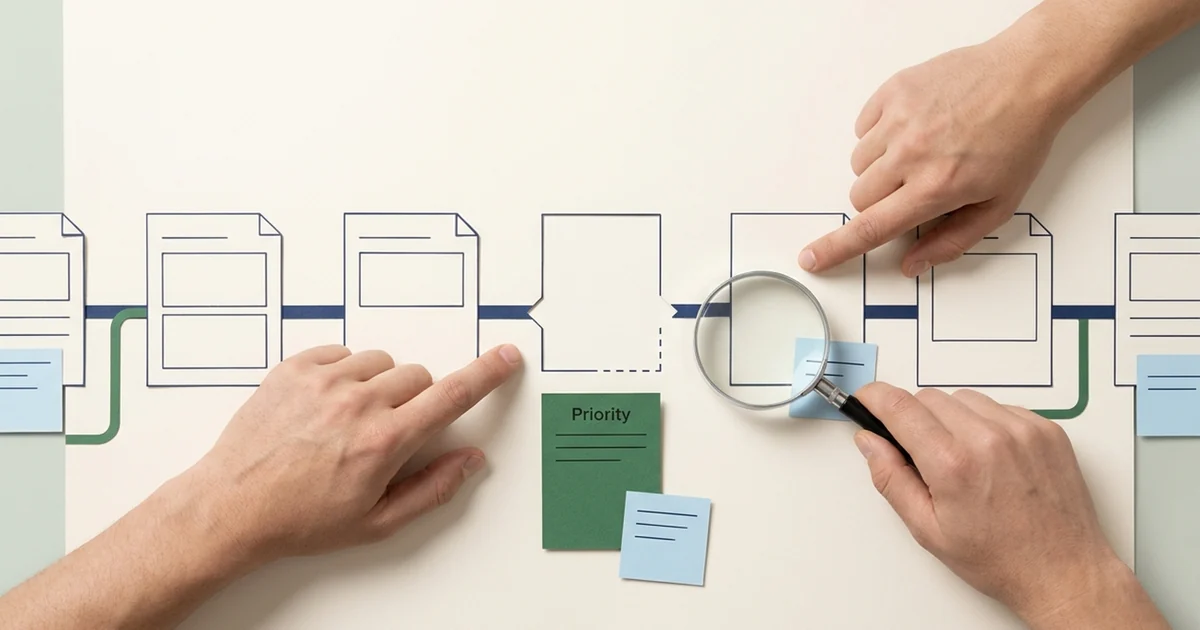
A demonstration can show a document becoming a neat record. A production decision needs evidence about the files that fail, the answers staff correct, and what happens when the destination system is unavailable.
Testing AI document processing means checking the whole task. A high field score can coexist with incomplete documents, a serious supplier error, or a queue that takes too long to review. An accurate extraction can still produce duplicate records if a failed write is retried carelessly.
Use a limited pilot with staff checking every result. Decide how to score it before changing settings or connecting live business records.
Write down what correct means
Define the required fields and the evidence each needs. Decide how repeated line items, currencies, date formats, and genuinely missing values should be represented. An absent purchase order reference should stay missing. A guessed reference is an error even when it looks plausible.
Create a checked answer set from the original documents. Have someone resolve ambiguous labels and note documents that cannot be read reliably. Keep those cases in the workload report even if they cannot contribute to a normal field score.
Record allowed normalization separately. Removing harmless whitespace may be acceptable. Changing an invoice number or substituting a supplier with a similar name is a different decision. Apply the same scoring rules to every option you compare.
Build a sample that reflects the inbox
Include the common layouts and the exceptions people actually handle. Cover multipage documents, repeated line items, faint scans, duplicate attachments, credit notes, and missing references where they belong in your workload. Separate document types and quality groups in the report.
Use approved, securely handled samples. Synthetic documents are useful for controlled exceptions and safe demonstrations. They cannot establish performance on the business's real document mix.
Keep a held-out set apart from the examples used to tune extraction, prompts, or review thresholds. If you use a held-out failure to improve the setup, that example becomes part of development. Use fresh held-out examples for the next independent assessment and retain the old set for regression checks.
Measure more than one kind of correctness
Google Document AI's evaluation guide compares predictions with labeled test documents and reports precision, recall, and F1. It does not call F1 an accuracy metric. Use those measures where appropriate, then add operational checks for your workflow.
Precision describes how many predicted fields match the checked answers. Recall describes how many expected fields were found correctly. Report results by field as well as overall, so frequent easy fields do not hide weak extraction of an important value.
The following scorecard is entirely synthetic. It assumes 20 invoices with five required fields each. Four wrong fields occur on four different invoices. These numbers illustrate measurement, not expected service performance.
| Measure | Synthetic result | What it tells the team |
|---|---|---|
| Field accuracy under the agreed matching rules | 96 correct required fields out of 100 | Four required values need correction |
| Document completeness | 16 of 20 have all five required fields correct | Four documents fail the extraction requirement |
| Critical errors | One wrong supplier assignment | A serious error exists despite the overall field score |
| Active review time | 65 minutes across all 20 invoices | Checking and correction remain part of the workload |
| Confirmed destination writes | Measured in a separate integration test | Extraction scores do not prove records were saved |
Document completeness here means every required extraction field is correct. Passing it still does not prove that purchase order or receiving checks pass. Report those business checks separately. Count critical errors by type and consequence, including wrong supplier, wrong currency, wrong total, and unsupported values.
Check that answers are grounded in the source
Grounding means checking that a proposed value is supported by the right document evidence. A value can appear on the page and still be assigned to the wrong field. Inspect the source location as well as the extracted text.
Test the value, its source, and the next action
Source documentINV-1042
Harbor Supplies. Total $1,260. Purchase order PO-318.
Reviewer checksEvidence required
Confirm the total's source, preserve missing values, and hold missing receiving evidence.
For fictional Harbor Supplies invoice INV-1042, verify that $1,260 comes from the total and PO-318 from the purchase order reference. If the required receiving record is absent, expect a hold. Test whether the workflow preserves that missing evidence instead of inventing confirmation. Payment authorization stays in the separate payment process.
Check confidently wrong answers too. AWS's confidence guidance ties review thresholds to the use case's sensitivity. Select thresholds from observed errors and consequences rather than treating one score as a universal release rule.
Test review and failed writes
Time staff checking evidence, correcting fields, and resolving exceptions. Record active work separately from elapsed waiting time. Compare with a manual baseline using a comparable document mix. Include the failed cases when estimating the staff effort that remains.
A timeout must have a known recovery path
- Approve
Retain the reviewed values and processing ID.
- Write
Send the authorized update to a test destination.
- Interrupt
Simulate a timeout or rejected update.
- Recover
Check the destination before retrying and confirm one saved record.
Use a test environment to simulate rejected fields, expired access, timeouts, and repeated submissions. After an uncertain write, check whether the record exists before retrying. Confirm that one approved input creates one destination record, preserves the approved values, and records the destination ID. Verify that unresolved failures reach an owner.
Keep versioned results and release limits
Save the test documents, labels, matching rules, processor or model version, prompt, extraction schema, and review thresholds with each run. Retain failures and individual results. Rerun the regression set when any of those change, then evaluate against held-out examples before expanding scope.
Agree on acceptable field results, complete-document results, critical-error limits, and review workload with the responsible business owner. A small sample with no serious errors gives limited evidence. Continue monitored review after launch and keep the manual route available.
Our OCR comparison helps identify which stage needs improvement. The invoice guide and freight reconciliation guide show checks beyond extraction. Use the synthetic invoice demo to discuss the handoff, then an AI workflow assessment to agree on a pilot and scorecard for your documents.
Find a practical next step for your team.
A workflow assessment maps one repeated task, its review requirements and the systems involved before you commit to a pilot.